UX CASE STUDY - INTERNSHIP PROJECT
CONTEXT
A Chrome extension that let you try clothes on while shopping, from any brand.
WHAT IT IS
fAIshion.AI is a virtual try-on extension. Shoppers upload one full-body photo, then on any retailer's product page a floating menu lets them try on the item, mix and match across brands, and see size recommendations drawn from each retailer's own size chart.
It worked. The problem was getting anyone to use it past minute one.
The team was small one PM, two engineers, and me. I partnered 1:1 with the PM for design sessions and worked directly with dev for handoff. The web extension was established; a mobile app was just starting to be scoped.
My brief: figure out why new users bounced before their first try-on, and fix it.
THE PROBLEM
The extension opened on an empty room so new users closed the door.
WHAT WAS HAPPENING
When a user installed faishion.ai, the extension popped open to their past try-on history. For a returning user, that was useful. For a new user, it was a blank wall no try-ons yet, no context, no next step.
Most of them closed the tab. The ones who didn't usually forgot about the extension entirely and only rediscovered it later, by accident, while they were mid-checkout on a brand site.
Worse, even the users who did stick around got stuck on two small-but-lethal moments:
1. They didn't know how to pin a Chrome extension to the toolbar, so they couldn't find faishion.ai again after the install tab closed.
2. They didn't know the try-on photo needed to be full-body, alone in frame, and tight-fitting so their first upload produced a bad result, and they assumed the product was broken.
01 WHERE IT BROKE.
Installed. Never Used.
Users installed it, but didn’t pin it
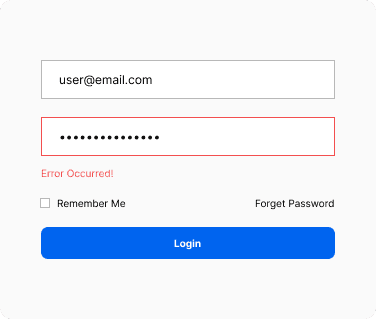
Outdated and Overwhelming
Password-only auth, no onboarding, users landed with zero context
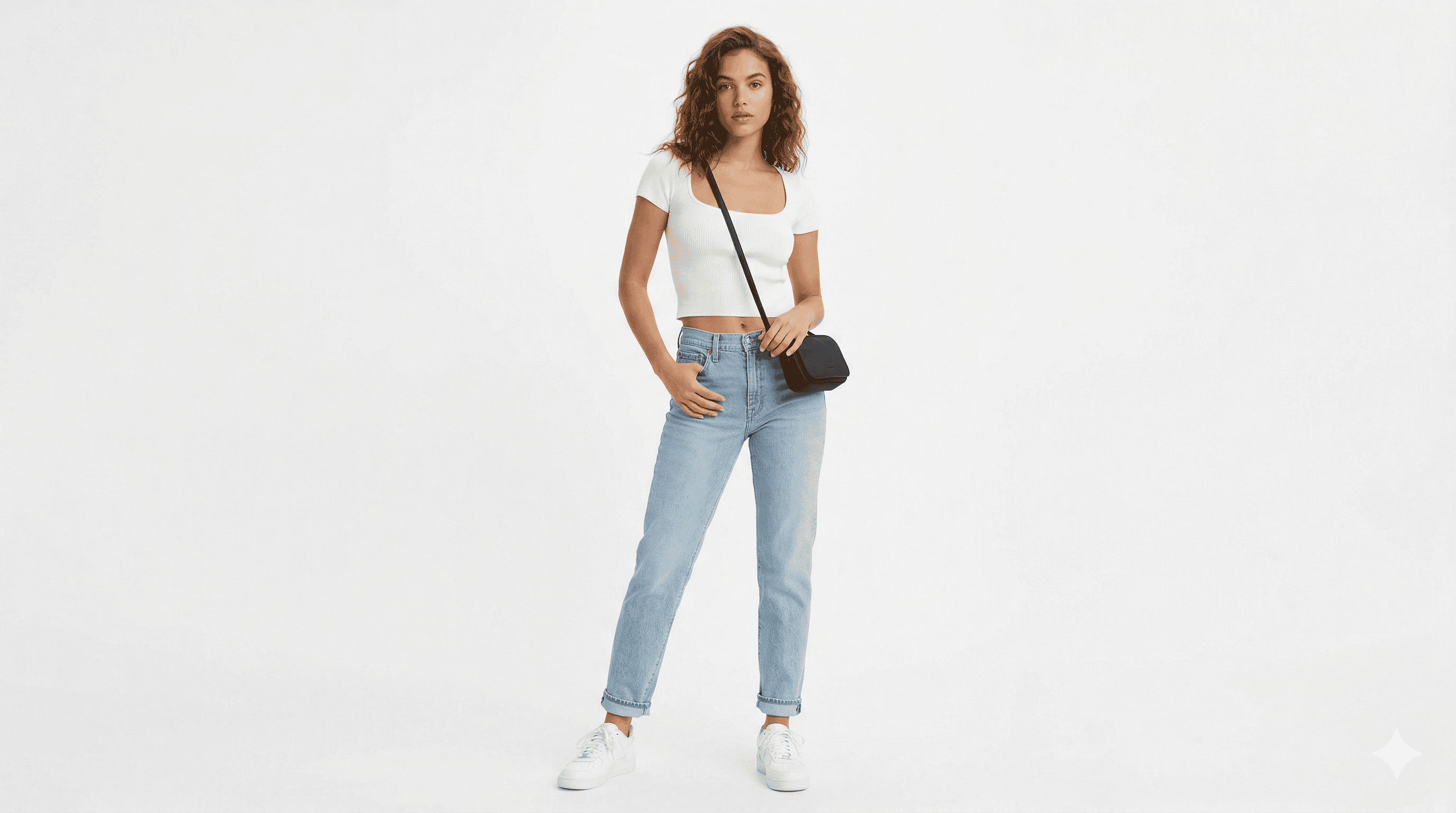
Upload = Friction
Turns out “just upload a photo” isn’t that simple.
RESEARCH
Our loudest signal came from the uninstall survey.
faishion.ai already triggered a feedback form whenever a user uninstalled the Chrome extension. That data was sitting there, largely unread.
I pulled the uninstall responses and read through them end-to-end, clustering the free-text answers by theme. Patterns emerged quickly most of the complaints weren't about the try-on quality at all.
They were about not knowing how to use it.
I paired that against the new-user flow in the extension, mapped where each complaint pointed, and brought the findings into a 1:1 design session with the PM.
TOP UNINSTALL REASONS
"I didn't know how to use it"
"I couldn't find it after I installed it."
"My photo didn't work and I gave up"
What Actually Works
I audited top-performing products to understand one thing how they get users through the exact moments this product lost them.
| Pattern |  Honey Shopping extension |  Grammarly Writing extension |  Monday.com Project Management |  Loom Video extension |
|---|---|---|---|---|
Animated pin tutorial Motion, not a static screenshot | ||||
Visual do/don't examples Shows correct action without text | ||||
Skippable + re-enterable steps No forced one-time gate | ||||
OTP destination shown User knows where code was sent |
RESEARCH
What if the extension opened a room, not a mirror?
Instead of dropping new users into a past-try-ons history they hadn't built yet, the extension should branch on day one: ask them if they're new or returning, and for new users walk them through a guided setup before the first try-on.
That setup would explicitly teach the two things the uninstall data told us were breaking: how to pin the extension, and how to take the right kind of photo.
Then it would let users try the product on with a sample image first, before committing to an upload so even a fumbled photo wasn't their first impression of the try-on quality.
Only after that would it introduce the rest of the extension: the floating menu on brand pages, mix-and-match, the magic wardrobe, size recommendations.
04 DESIGN
The Flow That Fixed it
Users decide in seconds. This screen makes the value clear and the next step obvious no exploration required.
Login + OTP
Simplified login with social auth options. OTP always shows where the code was sent and if something goes wrong, an error state with attempt count tells the user exactly what to do next
Enter the code sent to you@email.com
Start with your favorites
Mobile users pick favorite brands to power the recommendation engine. This replaces the extension step mobile has no browser toolbar so the experience is built around personal taste instead
Pin the Chrome Extension
Animated Jitter tutorial showing exactly how to pin the extension. Motion, not a static screenshot the same standard used by Honey and Grammarly.
Photo Upload
A real video showing exactly how to take the perfect photo not illustrations, not a do/don't grid. Watching a real person do it removes all guesswork.
05 OUTCOMES
The redesign shipped
The onboarding already existed it just wasn't working. My job was to modernize it, introduce new features, and fix the moments where users were getting lost. The product is live on the Chrome Web Store right now with the updated experience.
MODERNIZED
Secure and modern
Password only login replaced with OTP verification and social auth.
SHIPPED
Live on Chrome Store
Real users moving through the redesigned onboarding today, validating the updated flow
NEW FEATURE
Animated Tutorial
Desktop users now have a dynamic animation showing exactly how to pin bridging a crucial usability gap
thanks for reading
The fitting room, reimagined for the internet
Sarah Saavedra Camacho