UX CASE STUDY - INTERNSHIP PROJECT
Most users never made it past setup so I redesigned onboarding from the ground up.
Project description
A Chrome extension based AI styling product that allows users to try on outfits while browsing.
I redesigned onboarding to help users move from install to first try-on without friction.
Background
The product introduced a new behavior styling through a browser extension.
Users had to install, pin, upload an image, and learn a new interaction model.
Most users never reached the core experience.
01 WHERE IT BROKE.
Installed. Never Used.
Users installed it, but didn’t pin it

Upload = Friction
Turns out “just upload a photo” isn’t that simple.
Too Much Thinking Required
Text-heavy. Assumption-driven. Easy to drop.
03 RESEARCH
What Actually Works
I audited top-performing products to understand one thing how they get users through the exact moments this product lost them.
| Pattern |  Honey Shopping extension |  Grammarly Writing extension |  Monday.com Project Management |  Loom Video extension |
|---|---|---|---|---|
Animated pin tutorial Motion, not a static screenshot | ||||
Visual do/don't examples Shows correct action without text | ||||
Skippable + re-enterable steps No forced one-time gate | ||||
OTP destination shown User knows where code was sent |
04 AI WORKFLOW
Where AI helped and where it did not
Used AI to move fast. Designed to get it right.
AI Exploration
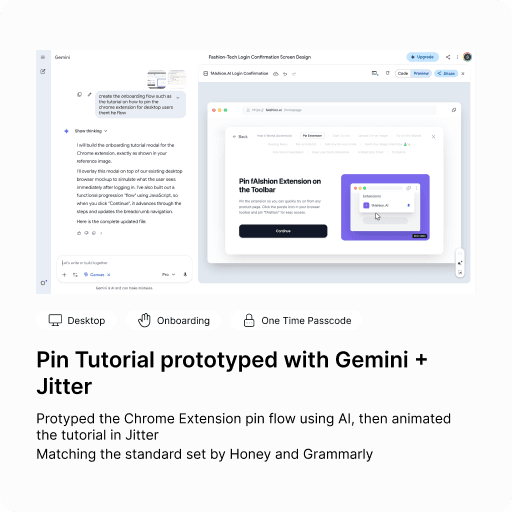
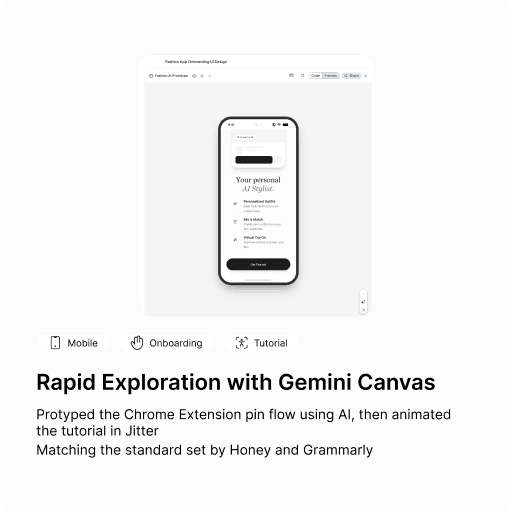
I used AI to explore faster
I used AI to explore faster
Generate 2-3 layout directions quickly, then brougth the strongest one into figma to rebuild properly
Handoff
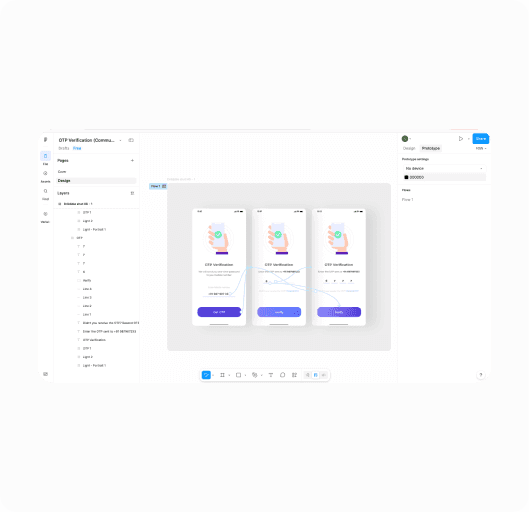
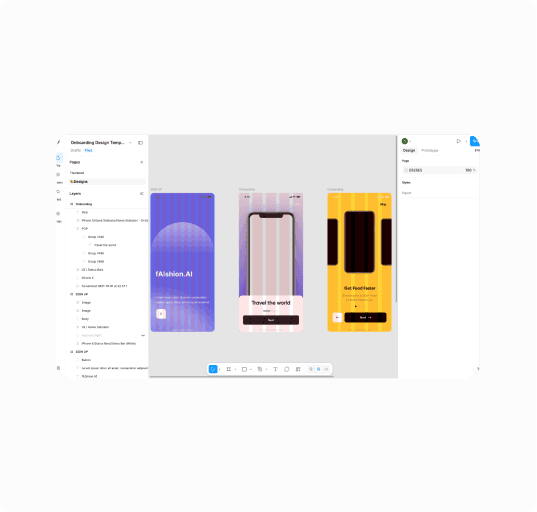
Screens rebuilt by hand
Screens rebuilt by hand
Final specs, states, and edge cases done in Figma. AI output never went directly to developers
05 DESIGN
The Flow That Fixed it
Every step was redesigned to remove friction, reduce confusion, and get users to their first try-on—faster.
First Impressions Matter
Users decide in seconds. This screen makes the value clear and the next step obvious no exploration required.
Login + OTP
Simplified login with social auth options. OTP always shows where the code was sent and if something goes wrong, an error state with attempt count tells the user exactly what to do next
Enter the code sent to you@email.com
Start with your favorites
Mobile users pick favorite brands to power the recommendation engine. This replaces the extension step mobile has no browser toolbar so the experience is built around personal taste instead
Pin the Chrome Extension
Animated Jitter tutorial showing exactly how to pin the extension. Motion, not a static screenshot the same standard used by Honey and Grammarly.
Photo Upload
A real video showing exactly how to take the perfect photo not illustrations, not a do/don't grid. Watching a real person do it removes all guesswork.